
Schedule the job you will actually build.
Project scheduling in Primavera P6 and Microsoft Project, built with the people who will do the work. A critical path that runs through real work, so the first update confirms the plan instead of exposing it.
The forecast fails on day one.
Built backward from a promise
The opening date was announced, so durations were squeezed until the bars fit. The schedule looks finished. It is a wish with activity IDs.
A critical path made of constraints
Open ends, hard constraints and long lags doing the work of real ties. P6 still prints a critical path. It just is not the one that will finish your job.
Nobody in the field signed it
When superintendents never saw the baseline, it becomes a document for the owner while the job runs from a whiteboard in the trailer.
How we build a baseline.

- 01
Contract dates go in first
Milestones, access dates, liquidated damages, owner-furnished equipment and permit windows are loaded before a single construction activity. The schedule has to match what everyone signed.
- 02
One WBS for time and money
A work breakdown that matches the estimate, the cost codes and the way the job will be built, so earned value works later without a rebuild.
- 03
Durations from the people who own them
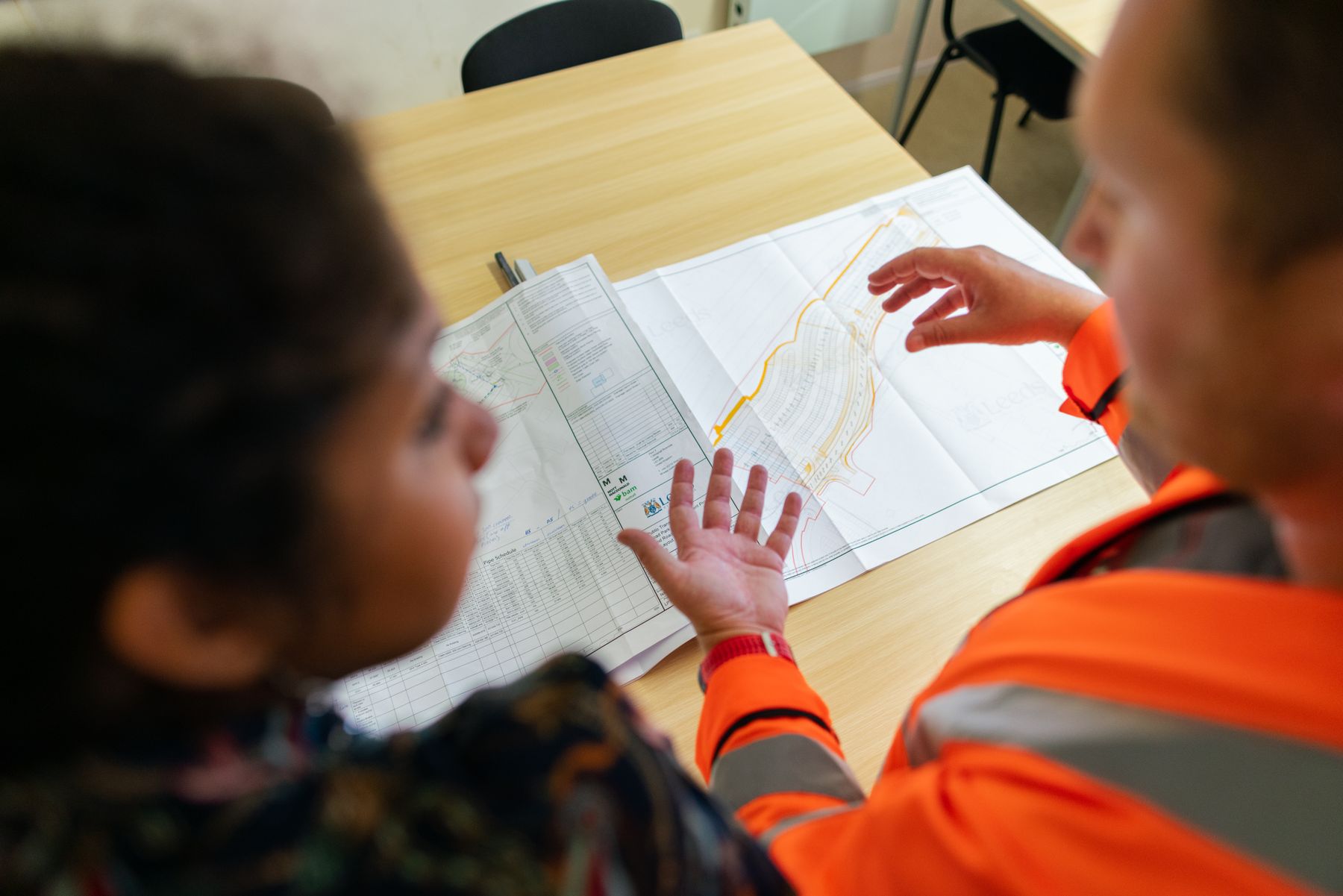
Pull planning sessions with each trade lead. They set the sequence and durations, and they put their names on them.
- 04
Procurement as real work
Submittals, approvals, fabrication, factory tests and delivery for switchgear, generators, AHUs and steel, each with logic, not one long bar called "procurement".
- 05
Scored before anyone sees it
Every baseline passes our DCMA-style checks for logic, float, constraints and durations before it is issued. Build and score your own in Schedule Studio and the Schedule Health Check in our Controls Lab.
What you walk away with.
Scoped to your project. Native files and plain-English outputs that stay yours when we leave.
A fully logic-tied, resource-aware schedule with a clear critical path, delivered as native XER or MPP files that belong to you.
Every assumption, calendar, constraint and duration source written down, so the baseline can still be defended a year from now.
A milestone view for the board and lenders that ties line by line back to the detailed schedule underneath it.
Required-on-site dates for every long-lead item, worked back to the last day each purchase order can safely be released.
The scored results of our logic, float and constraint checks, with every exception listed and explained in plain words.

A whole hospital moves on one day.
A 690,000 square foot, 320-bed replacement hospital in Texas, delivered CM at-risk over 52 months. Every system, every bed and every patient transfer points at a single move day, so the baseline is built with trade leads and equipment planners in the room and every floor follows the same tested logic to turnover.
- $980M
- Capital value
- 320
- Beds in 690,000 SF
- 52
- Months, CM at-risk


Straight answers to fair questions.
Do you work in Primavera P6 or Microsoft Project?
Both. Most capital programs run in P6, and many owners and builders use Microsoft Project. You get native files you own, never just a PDF.
How long does a baseline take?
It depends on size and how much design is complete. A focused building schedule can take a few weeks; a large program takes longer. You get a firm timeline after the first conversation.
Can you fix a baseline that has already been submitted?
Yes. We rebuild logic, remove false constraints and resubmit with a clear record of what changed and why. An Independent Schedule Review is usually the first step.
We build the same kind of project again and again. Does that help?
A great deal. Once the WBS and logic library exist, the next schedule starts from proven work. Ask about a Program Rate for repeat or similar projects.

Send the schedule. See reality early.
Share the project, the latest schedule and the date you are protecting. A senior project controls lead replies within one business day.