


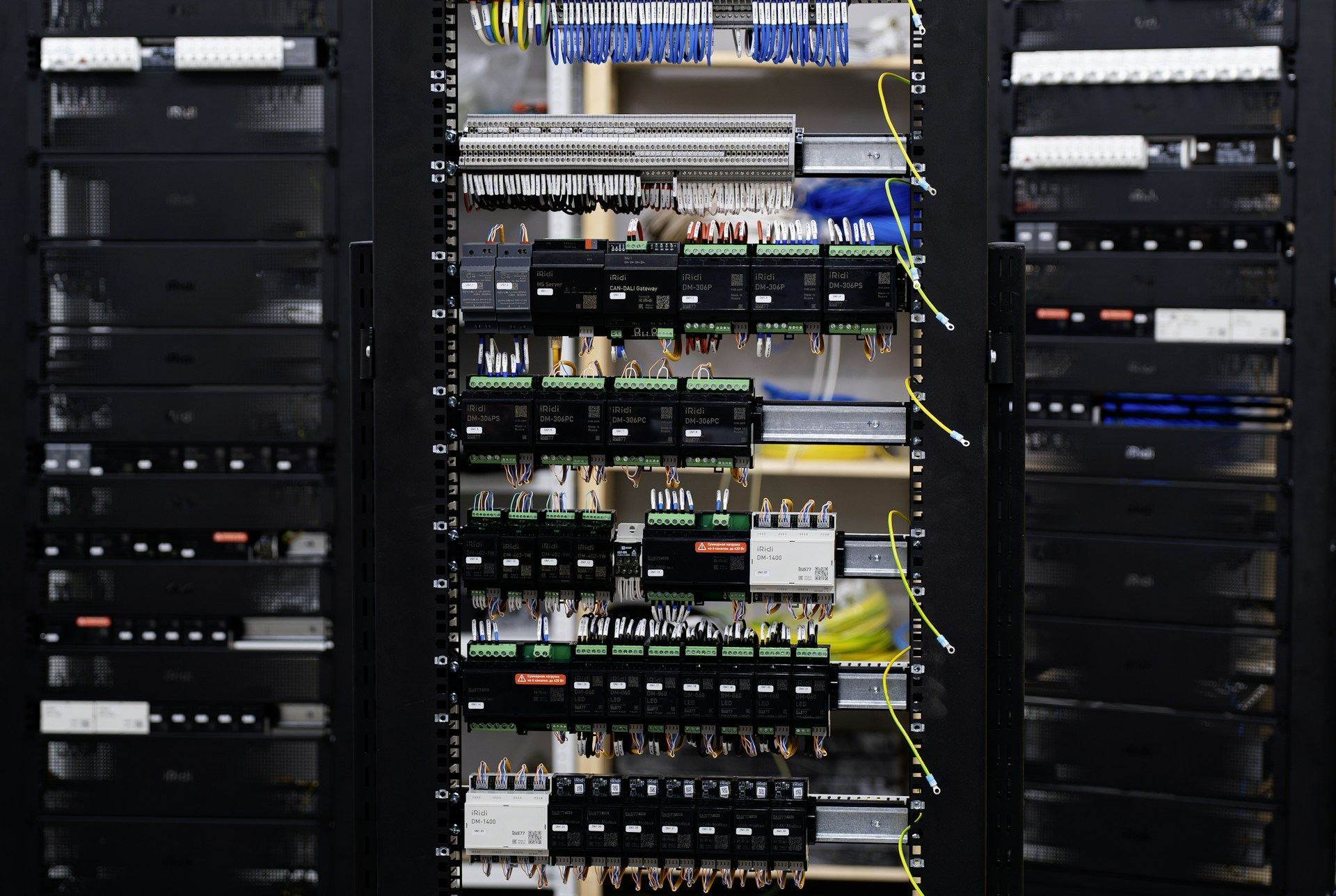
Your P6 database is infrastructure.
Primavera P6 EPPM and Professional set up, secured and governed, with Microsoft Project Online and the integrations around them. The system every schedule lives in, built so the numbers coming out of it can be trusted.
Bad systems corrupt good schedules.
Codes nobody agreed on
Every project invents its own activity codes, WBS and calendars. Nothing rolls up, so the portfolio view is rebuilt by hand in Excel every month.
Global data, edited freely
One user changes a global calendar or deletes an EPS node, and schedules across the database shift overnight. Nobody can say when or why.
XER files in email
Contractor schedules arrive by attachment, get imported over the top of live projects and overwrite baselines. The audit trail ends there.
How we set up the system.

- 01
Design the enterprise structure
EPS, OBS, enterprise project and activity codes, UDFs and WBS standards designed once, so every project reports the same way.
- 02
Calendars and global data, governed
Work calendars, resource and role dictionaries, cost accounts and global layouts owned by named administrators, with change control.
- 03
User security that fits the work
Security profiles, project access and OBS rights set so schedulers can schedule, reviewers can read and nobody can delete a baseline by accident.
- 04
XER governance
A defined route for contractor files: intake, health check, import into a staging area, comparison, then release. Every import is logged.
- 05
Integrations and Project Online
MS Project Online configured where it fits, and P6 connected to cost, ERP and reporting tools through supported APIs and scheduled exports.
What you walk away with.
Scoped to your project. Native files and plain-English outputs that stay yours when we leave.
A configured P6 environment with EPS, OBS, codes, UDFs, calendars and layouts set to your enterprise standard.
The WBS, activity code and naming rules every project follows, written for schedulers and contractors.
Security profiles and access rights mapped to real roles, with an approval route for new users and changes.
Step by step intake, check, import and release rules for every schedule that enters the database.
Routine tasks, backup checks, global data changes and troubleshooting, so your team can run the system without us.

Fourteen hundred tools, one coded database.
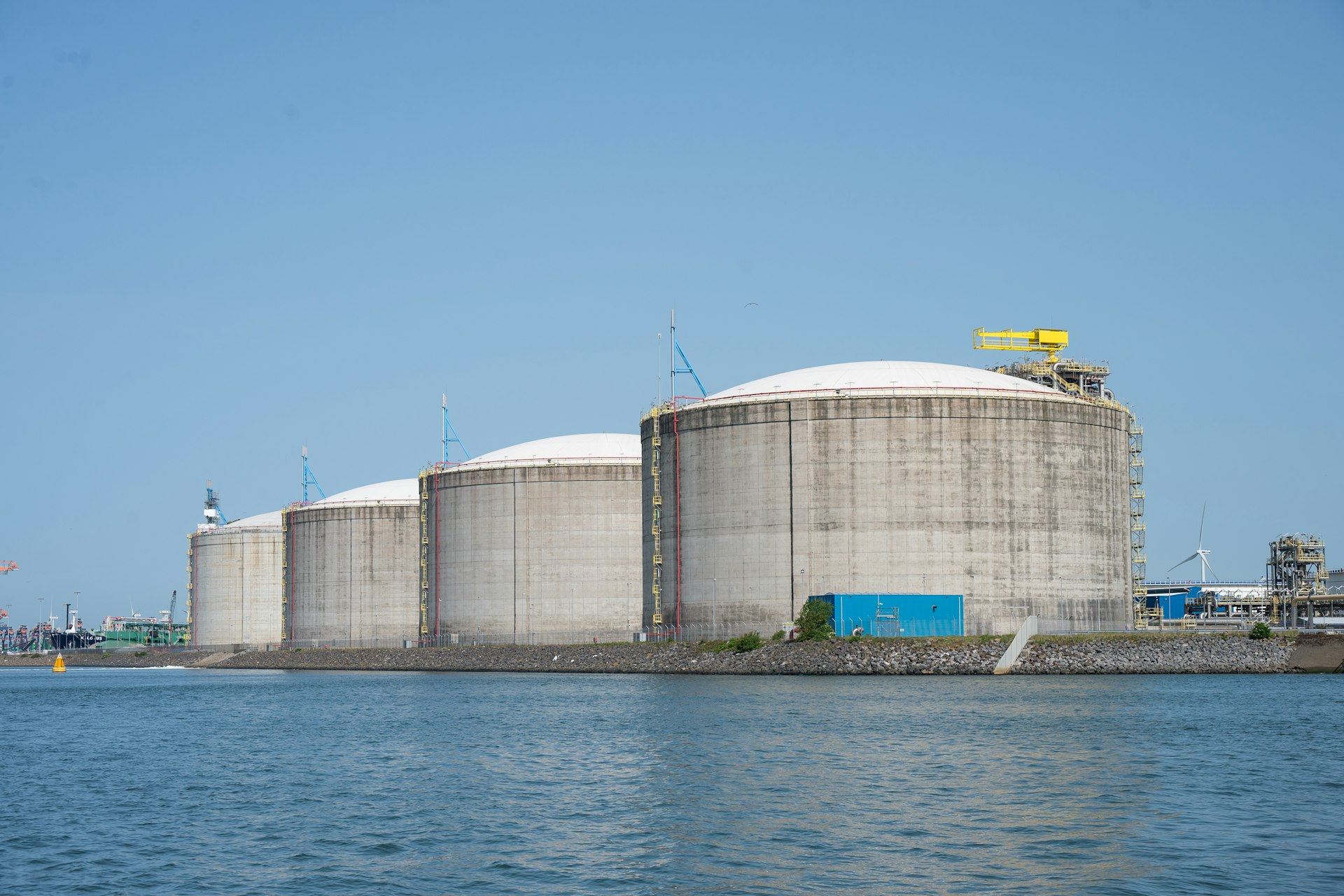
A 300 mm wafer fab tool install and hookup program, delivered EPCM over 30 months. Each of 1,400 tools has its own path to first wafer, so enterprise activity codes, calendars and XER intake rules let every contractor schedule roll up by tool, bay and system without a single retyped line.
- $890M
- Capital value
- 1,400
- Tools, each with its own path
- 30
- Months, EPCM


Straight answers to fair questions.
Do you host P6 for us?
No. We configure and administer P6 in your environment, on premises or in the cloud service you license from Oracle, and we work with your IT team on access and security.
Can you clean up a database that has grown wild?
Yes. We audit codes, calendars and global data, map the duplicates, agree a standard with you and migrate projects to it in planned steps.
We use Microsoft Project. Is this still for us?
Yes. We set up MS Project and Project Online templates, custom fields and views the same disciplined way, and connect them to your reporting.
Can we try your scheduling approach first?
Open Schedule Studio in our Controls Lab. It is a full CPM engine in the browser, built on the same logic rules we configure for clients.

Send the schedule. See reality early.
Share the project, the latest schedule and the date you are protecting. A senior project controls lead replies within one business day.